














New!
for Windows 11, 10
Record videos and music from streaming services on your Windows PC.
Enjoy them offline without ads. Enhance their quality with AI.
By the way: We don’t circumvent copy protection. More info
You're watching a movie and the internet cuts out at the most exciting part. You want to relax with music on the train, but the Wi-Fi is stuttering. With Audials One, you have your entertainment with you offline. And you're independent of the internet.
You're looking forward to a series marathon, you've just made yourself comfortable on the sofa, and then you realize: the series is no longer available. If you save your favorite content beforehand, you'll be spared this moment.
You're in the middle of a movie or a song – and suddenly an ad appears. Audials removes them from video and music streaming. When recording music from the radio, Audials cuts out host talk.
When you save something, it should look and sound good too. Audials records your media in high quality and makes it ready to play instantly: get videos in up to 1080p and music in up to 96 kHz.
Save videos and music on your Windows PC in common formats. Then simply take them with you – on your laptop, smartphone, tablet, or USB stick.
Do you listen to an album on repeat? Never want to miss your favorite movies again? With Audials, you build a media collection that lasts.
A movie today, a playlist tomorrow, an audiobook on the weekend. Audials fits your media routine: movies, series, music, podcasts, radio, and audiobooks all in one place.
Do your 10-year-old private videos look blurry on 4K screens? Do you have older MP3 music that could sound even better? Refresh your media with AI.
Want to record your favorite media and enjoy it offline? Then Audials One is your starting point. Want to use AI for video and music as well? Then Audials One Pro is the right choice.
Have your favorite movies and music available offline anytime
Everything from Audials One plus AI features
Buy without risk
30-day money-back guarantee
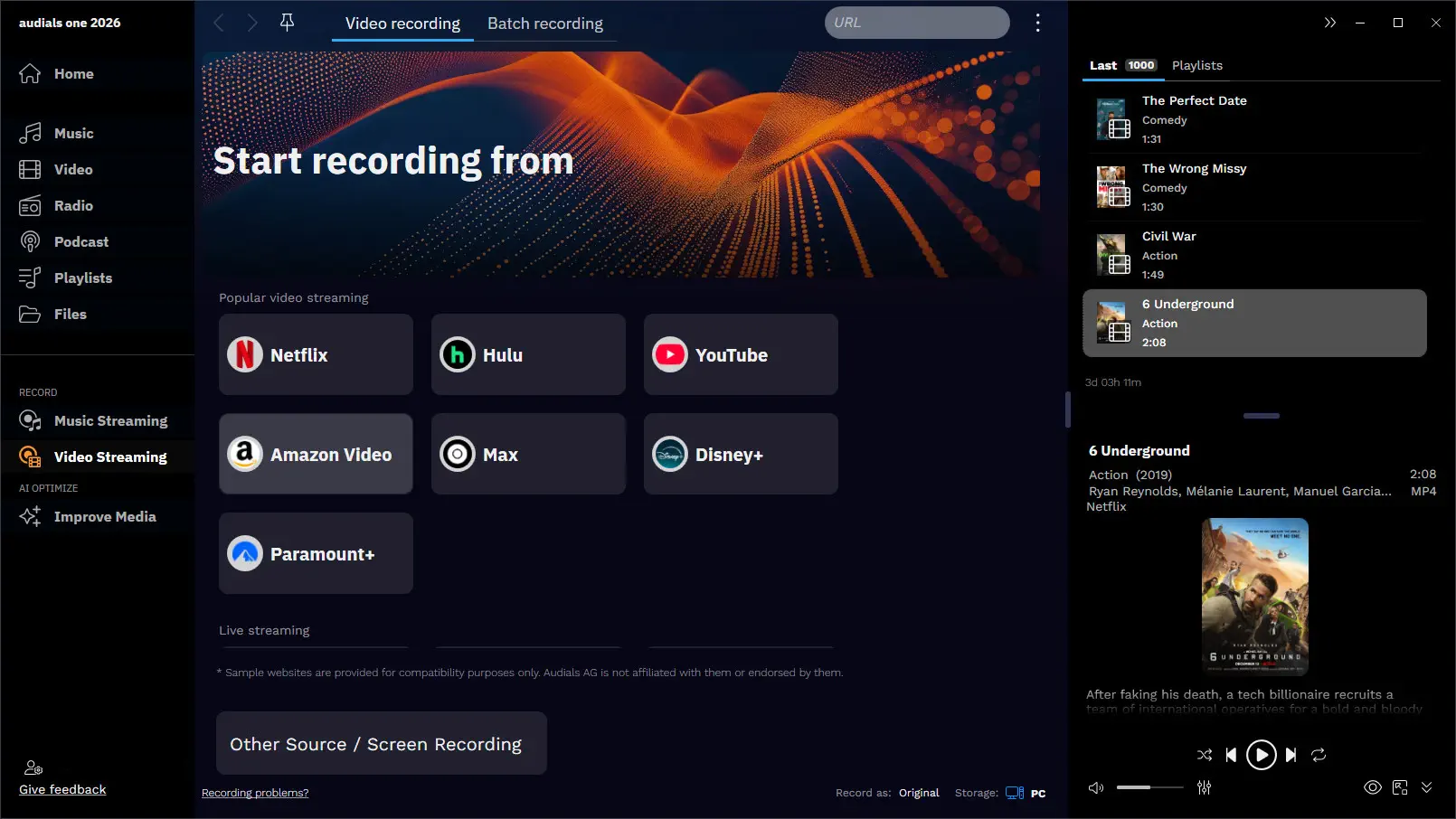
Record entire movies and series in top quality – without ads
Learn more
Save music from your favorite artists losslessly at high speed
Learn more
Listen to thousands of stations and podcasts and easily record them in parallel
Learn more
Enhance your music and videos and let them shine anew
Learn more
You don’t want to search for your favorite series in the app every time. Once recorded, it should just be available. With Audials, you record movies, series, livestreams, and TV. Save them in formats like MP4, MKV, AVI, or WebM.
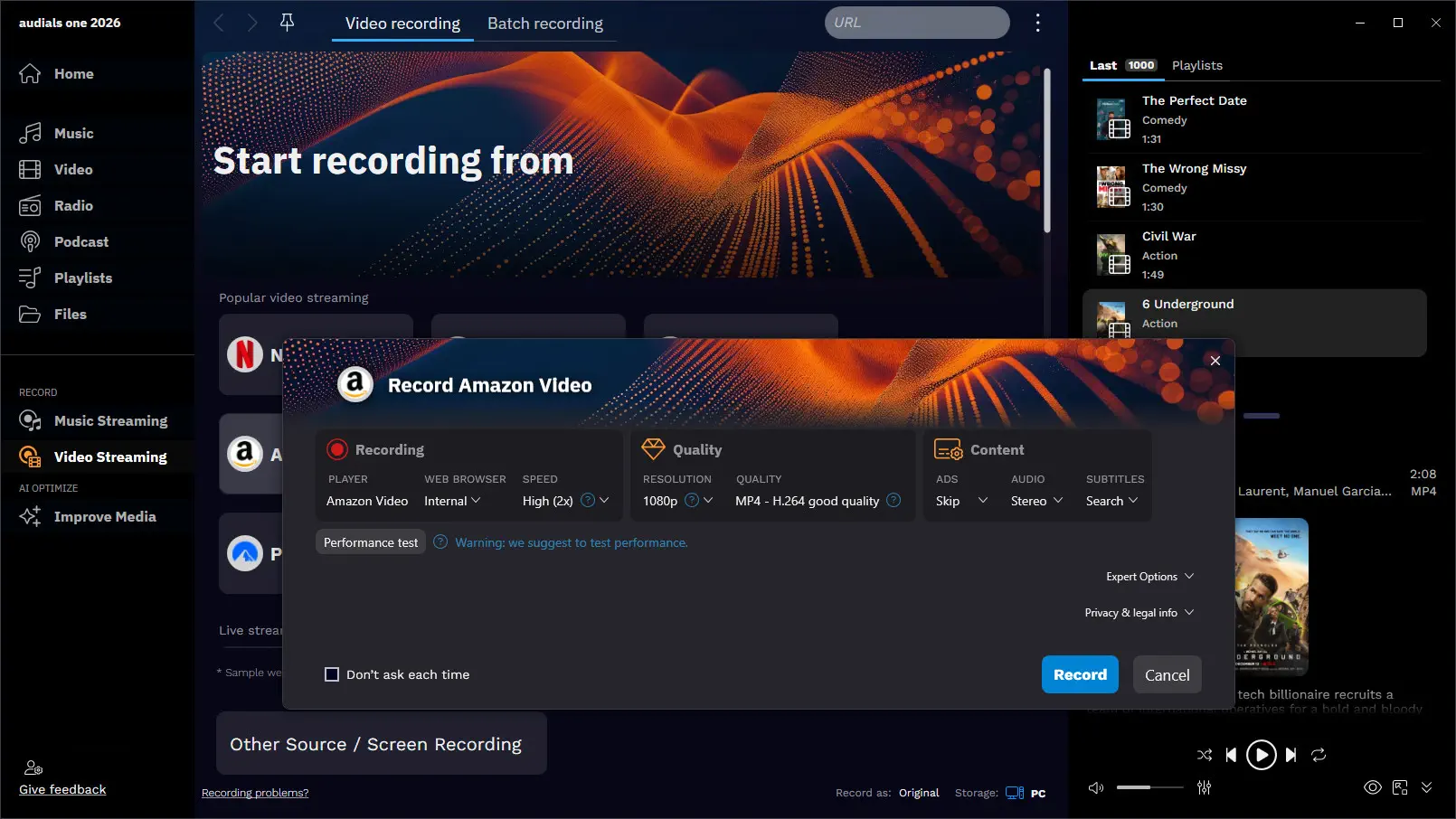
Who likes watching blurry videos? Audials records them in high quality at up to 1080p. Even with adaptive streaming, you get clean recordings.
A two-hour movie shouldn’t necessarily take two hours. Sometimes you just want to get to the finished file faster. Record video content up to four times faster. Save time and build your collection more relaxed.
You’re in the middle of a scene, and suddenly there’s another ad break. You don’t want to see that again when watching later. Audials One detects ads during recording and removes them automatically.
Sometimes there’s something at the beginning or end of the video that you want gone. Or you just want to remove a distracting part. With the editor, you cut out unwanted scenes, add subtitles or movie info.
Saving multiple series episodes and stopping each recording individually is annoying, right? You don’t have to. Audials stops automatically when a video ends. With the recording scheduler, you record many movies or entire series seasons more conveniently.
You have low-resolution videos that don’t look good on the TV. Faces and details could be clearer. With Audials One Pro, you upscale videos with AI up to 4K. This makes recordings look visibly sharper.
Use AI processing directly on your PC or offload it to the cloud if you want to finish faster or need your computer for other tasks. Especially long videos often require a lot of power.
Found albums that perfectly match your mood? Later you want to hear them again without searching through various apps. Record albums, playlists, or individual tracks from music streaming providers. Save them in formats like MP3, FLAC, or M4A.
With good headphones, you immediately hear if music sounds flat or unclean. Save it in high quality, depending on the source even in Ultra HD, HiFi, or Master quality. This keeps the sound close to the original.
Nobody wants a playlist as one endless file. You want individual songs that you can play and sort cleanly. Audials One separates songs automatically and removes ads. This creates a high-quality music library that is ready to use.
A large playlist can be long. You want to build your music library but don’t want to wait forever. Audials can record music up to five times faster depending on the streaming service. This makes your collection grow much quicker.
Want to discover new bands, albums, or charts without jumping through apps endlessly? Good music should be found quickly. Audials searches streaming services for new music. Save what you like directly to your collection.
You recorded your collection on the computer. Now you want to hear it on the go, in the living room, or at your desk. No problem! Manage your music on PC, phone, or tablet, or save it to a USB stick.
Some recordings don’t sound as clear as they could. You notice this quickly, especially with older music. With Audials One Pro, you can improve streaming and radio recordings to studio quality with AI. Encoding artifacts can be reduced so songs sound clearer and more detailed.
Want something different from the usual stations? Maybe rock from the USA, jazz from France, or electronic music from Berlin? You have radio stations from all over the world to choose from. Browse by country, genre, or stations near you, or get station suggestions.
You want to discover new music but don’t want to follow everything live. Good tracks often play exactly when you’re not listening. With Audials One, you record up to 100 radio stations simultaneously. Let the songs surprise you!
You're listening to the radio, and suddenly your song plays. Clicked record too late? No problem: open the station's history and save the song retroactively.
Radio recordings are only nice if the beginning and end are right. Otherwise, music quickly becomes a mess. You save songs precisely cut. Tags, lyrics, and album covers are added to match.
You have a song in your head but don’t know when it’s playing on the radio. So let Audials just watch out for you. Create a wishlist with your favorite songs. As soon as a radio station plays the song, Audials records it.
Found an exciting podcast episode but no time right now? It would be perfect later on the train, in the car, or on a walk. Audials offers access to millions of podcasts. Save episodes offline, set favorites, and receive new episodes automatically.
Streaming services and technologies are constantly changing. That’s why Audials is continuously improved and gets automatic updates, so your software stays reliable for the long term.
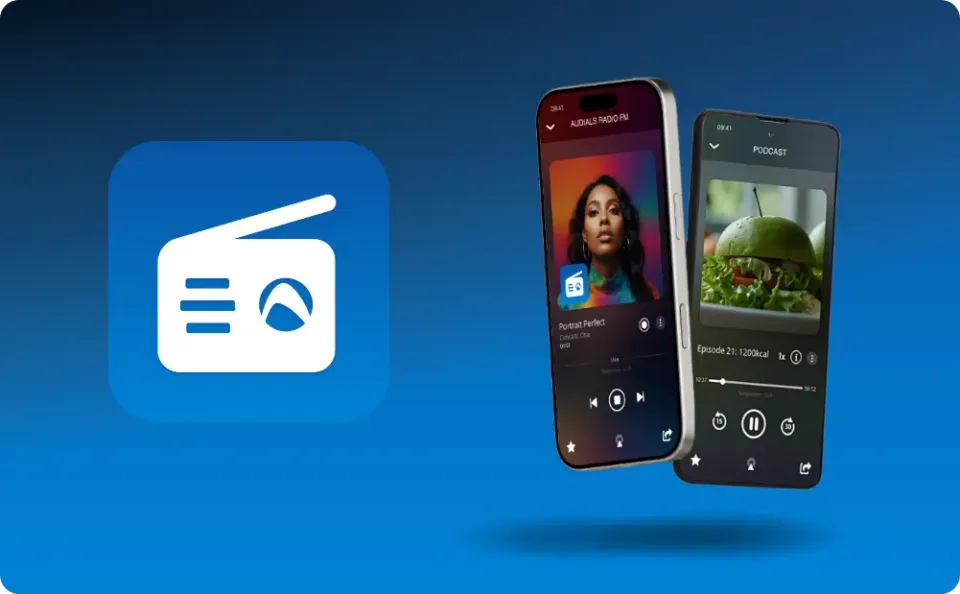
Listen to radio stations and podcasts on the go, on your smartphone, or in your car. The Audials Play App is the ideal companion!
You’re not always at the PC when you want to listen to radio or podcasts. It should be just as easy in the car, on the go, or on the sofa. With audials play, you listen to radio stations and podcasts on your smartphone. The app complements Audials One for your mobile everyday life.
You get the premium app features of audials play for free until the end of 2027. They are not included in the free audials play.


Here’s a first look. Just try it out!
Start
Browse your media collection and get chart hits, radio stations, and more suggested.
Your Music and all the music in the world
Listen to your own music tracks, search streaming services for more music, and save them to your collection. Organize all songs on PC, smartphone, and in the cloud.
All your Videos and enjoy so much more
Watch and organize all your movies and series. Discover and save content from TV, streaming services, and video podcasts.
Listen to all radio stations in the world & record
Find, listen to, and favorite stations that play your favorite music. Record radio or schedule a recording.
Millions of Podcasts are waiting for you
Discover and listen to podcasts, add them to your favorites, or save individual episodes. Subscribe to podcasts to always automatically get the latest episode.
Own Playlists made easy
Create individual playlists for ultimate music enjoyment. Have playlists generated from your music.
All Files at a glance
Get an overview of all media as they are stored on your PC.
Record Music Streaming
Save music tracks from Spotify, Amazon Music, Deezer, Tidal etc. perfectly cut in lossless quality.
Record Video Streaming
Save movies and series from Netflix, Amazon Prime Video, Disney+, etc. super fast in top quality.
Videos and Music with AI Enhance
Make videos sharper, smoother, more colorful with artificial intelligence! Convert files, increase the intelligibility of spoken words in videos. Greatly improve the audio quality of music tracks with AI!
Access from anywhere with Login & Apps
Log in on your PC and in the Audials Play mobile app with the same account to get access to your media on the go.
Status, Formats, and Storage Location
Here you can set the recording format and storage location and see the recording progress.
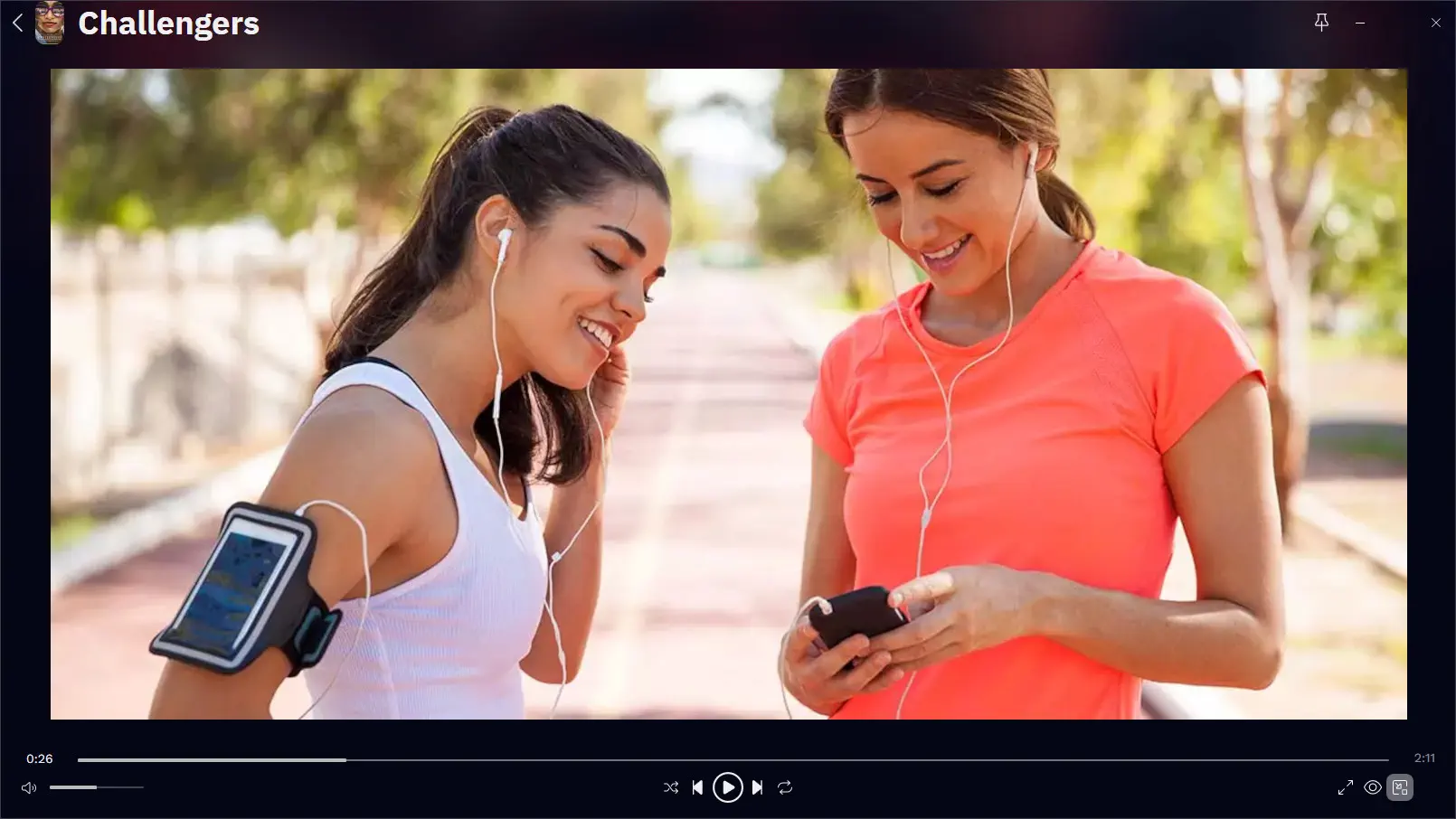
Your Player for Music and Videos
Here you can see all your new recordings and can play or edit them.
Read why Audials has become the first choice for many.
Customer reviews are real. People shown are AI-generated and for illustration only.
Renowned media outlets recommend Audials.
You don’t just want to stream movies, series, music, radio, and podcasts, but enjoy them at your own pace. Offline, organized, and in good quality.
With Audials One, you record your favorite content, organize it, and improve it with AI if needed. Make more of what you stream!
These pages show you how to get the most out of music and videos with Audials:
Cookie Settings on audials.com: We use cookies to provide you with the best possible user experience, ensure security, enhance performance, and present personalized advertisements. Customize your preferences by clicking on "Configure". For more information, see our Privacy Policy and the Google Privacy & Terms